讀原文(在新分頁開啟原站)連到 Philipp Schmid
摘要
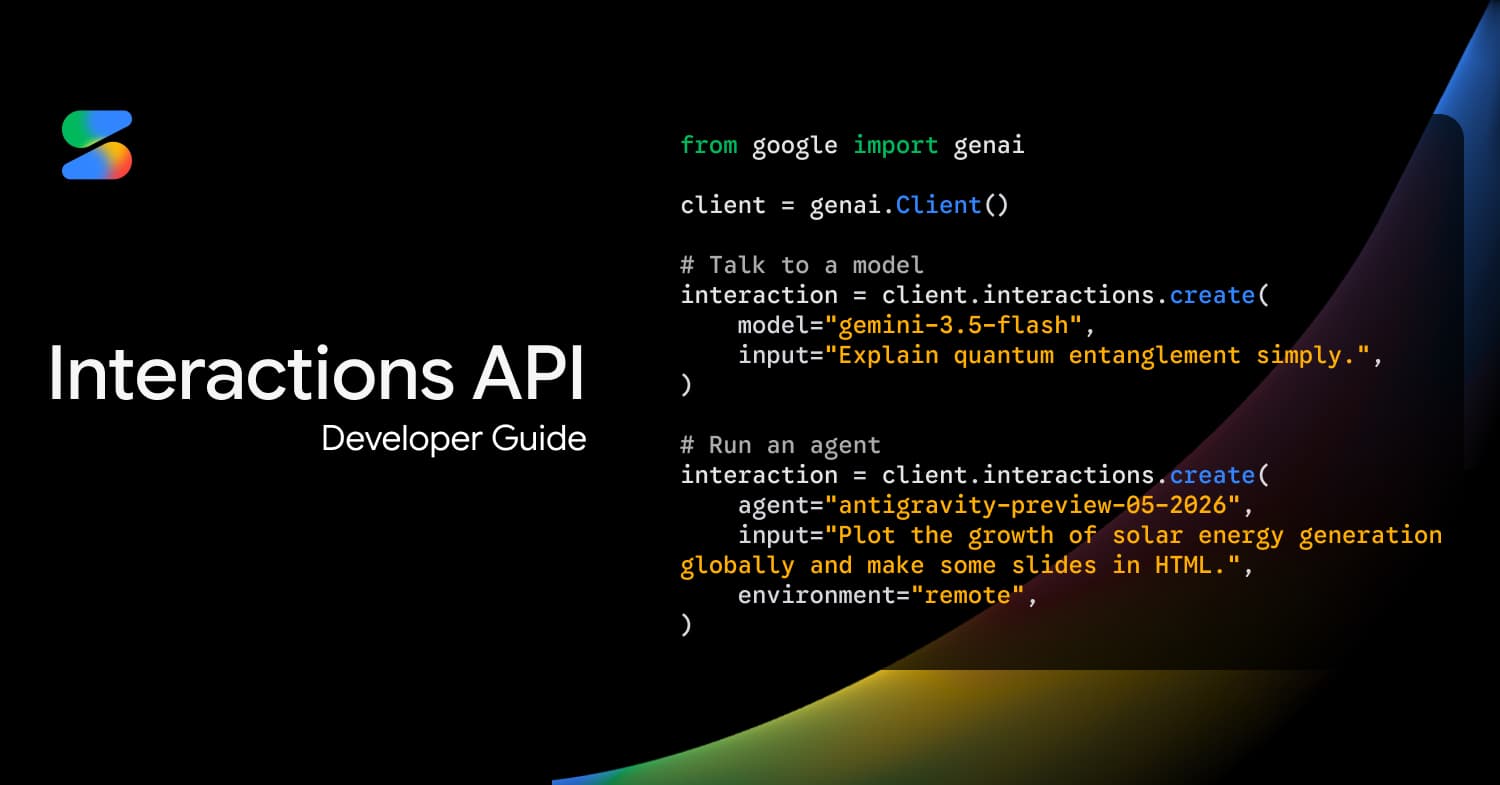
本文是 Philipp Schmid 撰寫的開發者指南,介紹 Gemini Interactions API 的單一端點如何涵蓋文字生成、串流、多輪對話、多模態輸入及工具使用等功能。文章以 JavaScript 為例,詳細說明如何設定 API 金鑰、處理串流回應、整合 Google 搜尋工具以及執行受控代理與背景任務。
A developer guide by Philipp Schmid explaining how to use the Gemini Interactions API for text generation, streaming, multi-turn chat, multimodal inputs, tool use, managed agents, and background execution via a single endpoint.
摘要、重點與章節標題由語言模型整理,細節(誰說的、數字、先後)可能有誤;要引用請以原始內容為準。
重點
- 透過單一端點處理文字生成、串流與多模態輸入。
- 使用 Google 搜尋等工具增強回應並執行函式呼叫。
- 設定受控代理與背景任務以處理長程工作。
提到的工具與公司
- Gemini Interactions API
- Google AI Studio
- Zod
- Nano Banana 2
- Lyria 3
- Google Search
適合誰看
適合需要整合 Google Gemini 模型或開發 AI 代理的程式設計師。
摘要依據
- 講者
- Philipp Schmid
- 依據
- 文章全文
為什麼排在這裡
- 人氣
- 0.75
- 新鮮
- 0.54
在主題頁與搜尋結果裡,名次由相關、人氣、新鮮三個分數決定;這一頁沒有搜尋的關鍵字,所以沒有相關分數。排序怎麼算
相關內容
- Gemini Interactions API Quick Start文章 ・ Philipp Schmid ・
- Get started with the Interactions API影片 ・ Google for Developers ・ 9 分鐘 ・
- Build agents with Gemini API (I/O Connect ‘26)影片 ・ Google for Developers ・ 37 分鐘 ・
- Multimodal Function Calling with Gemini 3 and Interactions API文章 ・ Philipp Schmid ・
- Introducing the Gemini Omni Flash API影片 ・ Sam Witteveen ・ 22 分鐘 ・
- Why AI Agents Should Have Their Own Sandbox — Philipp Schmid, Google DeepMind影片 ・ AI Engineer ・ 21 分鐘 ・
這個來源最近的內容
摘要由 AI 根據原文產生,可能有誤;完整內容請看原站。讀原文(在新分頁開啟原站)