讀原文(在新分頁開啟原站)連到 Philipp Schmid
摘要
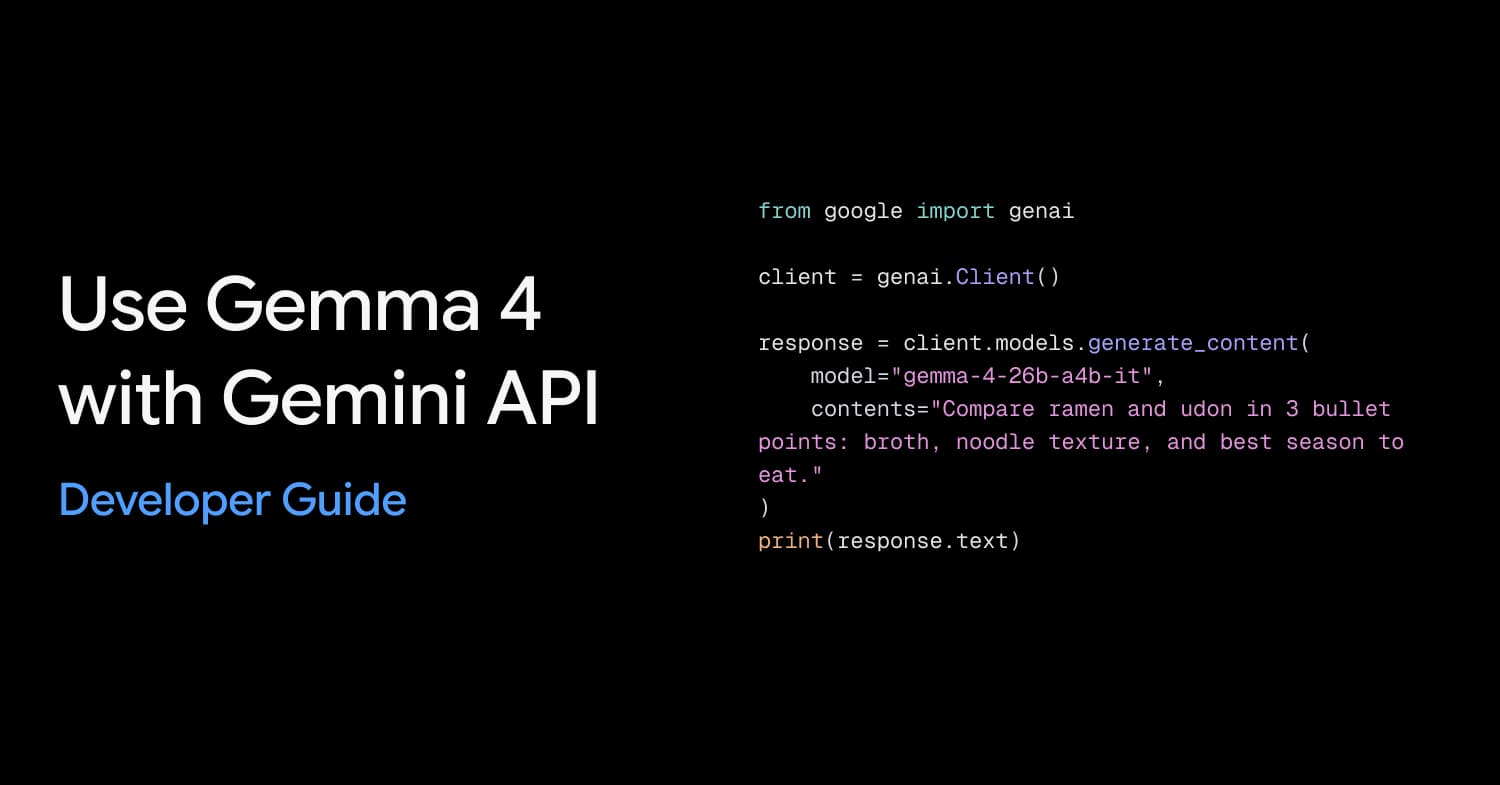
介紹如何透過 Gemini API 與 Google AI Studio 使用 Gemma 4 開放模型,包含安裝 Python SDK、設定 API 金鑰及進行文字生成、多輪對話、圖片理解與函式呼叫等實作步驟。讀者可學習如何將 Gemma 4 整合進專案並利用其原生能力處理複雜任務。
This article guides users on how to use Gemma 4 models via the Gemini API and Google AI Studio, covering installation, configuration, and key capabilities like function calling and multimodal understanding.
摘要、重點與章節標題由語言模型整理,細節(誰說的、數字、先後)可能有誤;要引用請以原始內容為準。
重點
- 透過 Google AI Studio 快速體驗 Gemma 4 模型功能。
- 使用 Python SDK 與 Gemini API 進行程式開發整合。
- 掌握文字生成、圖片理解與函式呼叫等核心能力。
提到的工具與公司
- Gemma 4
- Gemini API
- Google AI Studio
- cURL
適合誰看
適合有程式開發經驗、想嘗試開放模型或需將 AI 模型整合進系統的開發人員。
摘要依據
- 講者
- Philipp Schmid
- 依據
- 文章全文
為什麼排在這裡
- 人氣
- 0.75
- 新鮮
- 0.49
在主題頁與搜尋結果裡,名次由相關、人氣、新鮮三個分數決定;這一頁沒有搜尋的關鍵字,所以沒有相關分數。排序怎麼算
相關內容
- JSDC 2024 - 輕鬆串接 Gemini API:從 Google AI Studio 到 Vertex AI in Firebase 的前端實作影片 ・ JSDC.tw ・ 20 分鐘
- Getting started with the Gemini Interactions API文章 ・ Philipp Schmid
- Multimodal Function Calling with Gemini 3 and Interactions API文章 ・ Philipp Schmid
- Introducing the Gemini Omni Flash API影片 ・ Sam Witteveen ・ 22 分鐘
- Build agents with Gemini API (I/O Connect ‘26)影片 ・ Google for Developers ・ 37 分鐘
- 谷歌最新模型Gemma4发布!深度解析+送42页资料影片 ・ Alchain花生 ・ 14 分鐘
摘要由 AI 根據原文產生,可能有誤;完整內容請看原站。讀原文(在新分頁開啟原站)